Run your SCUM server from a browser.
01 / PANEL
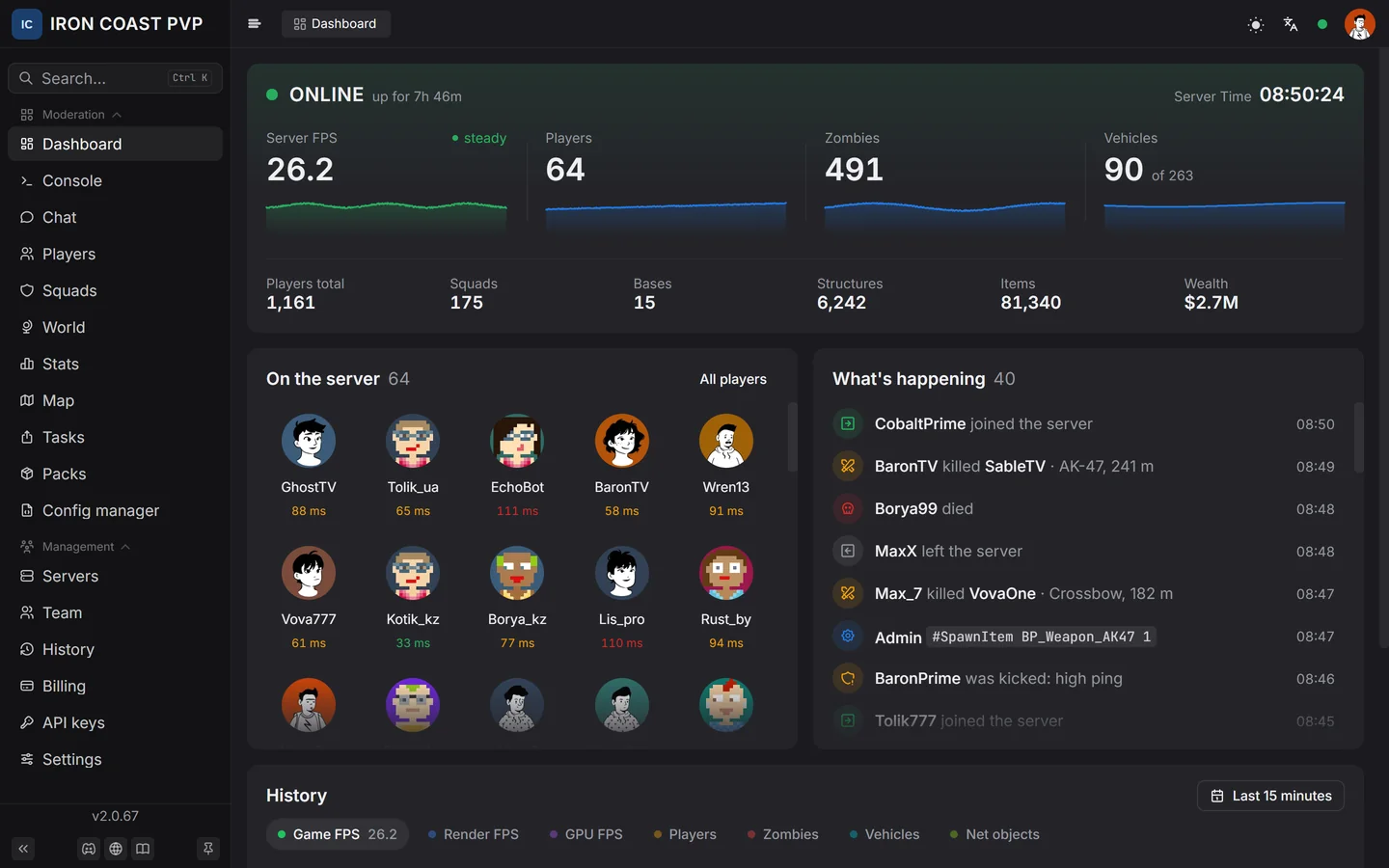
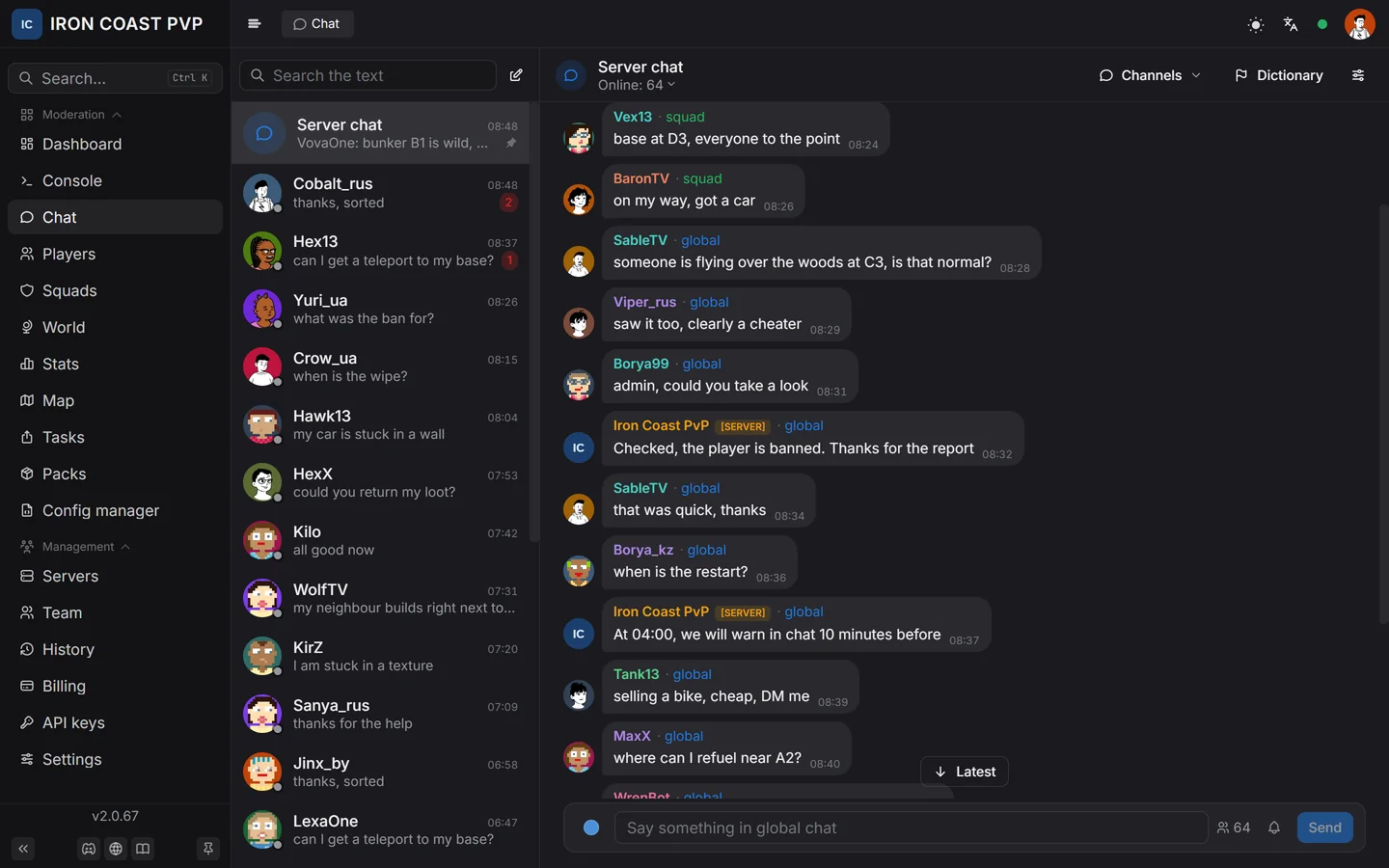
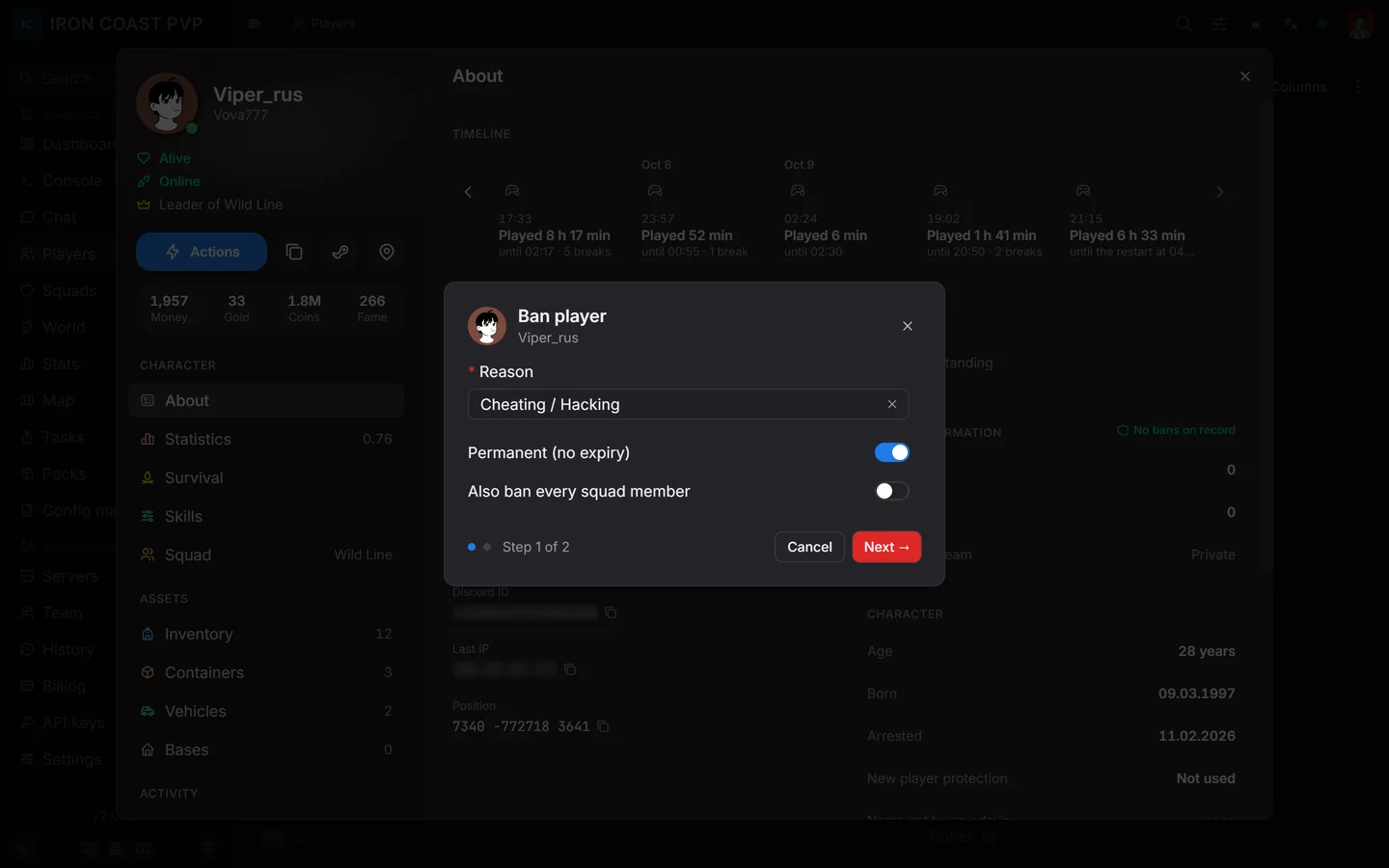
See everything happening on your server.
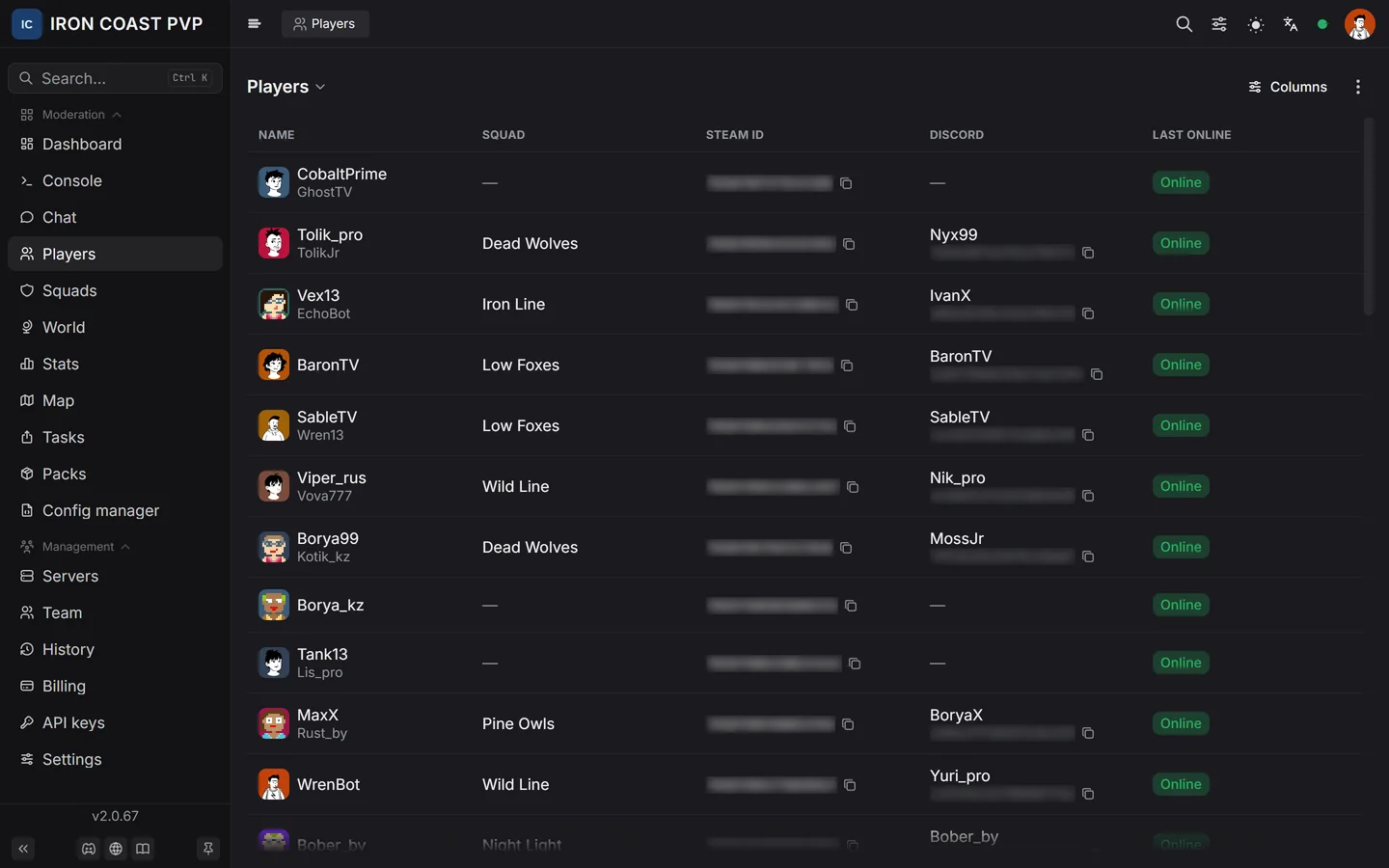
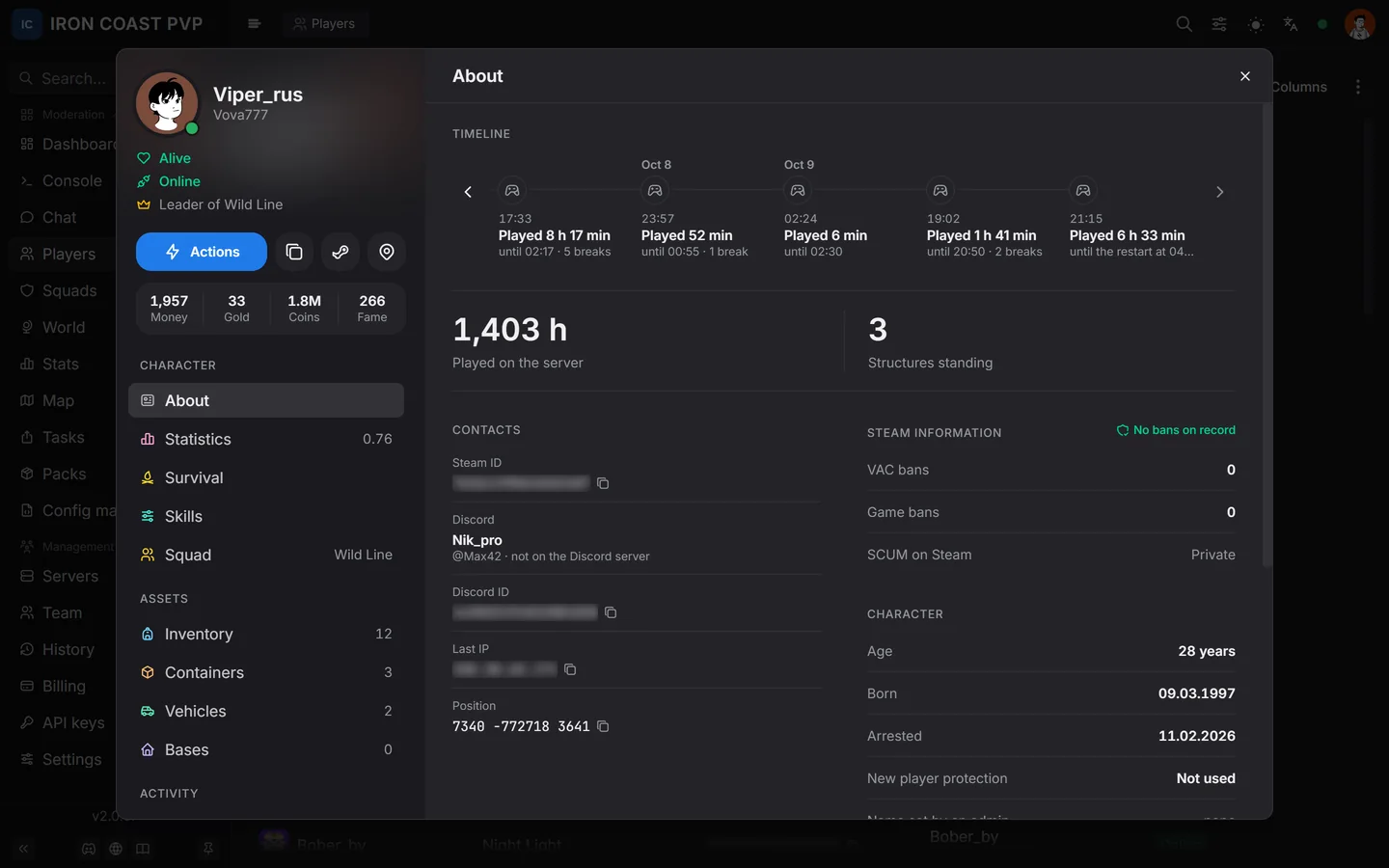
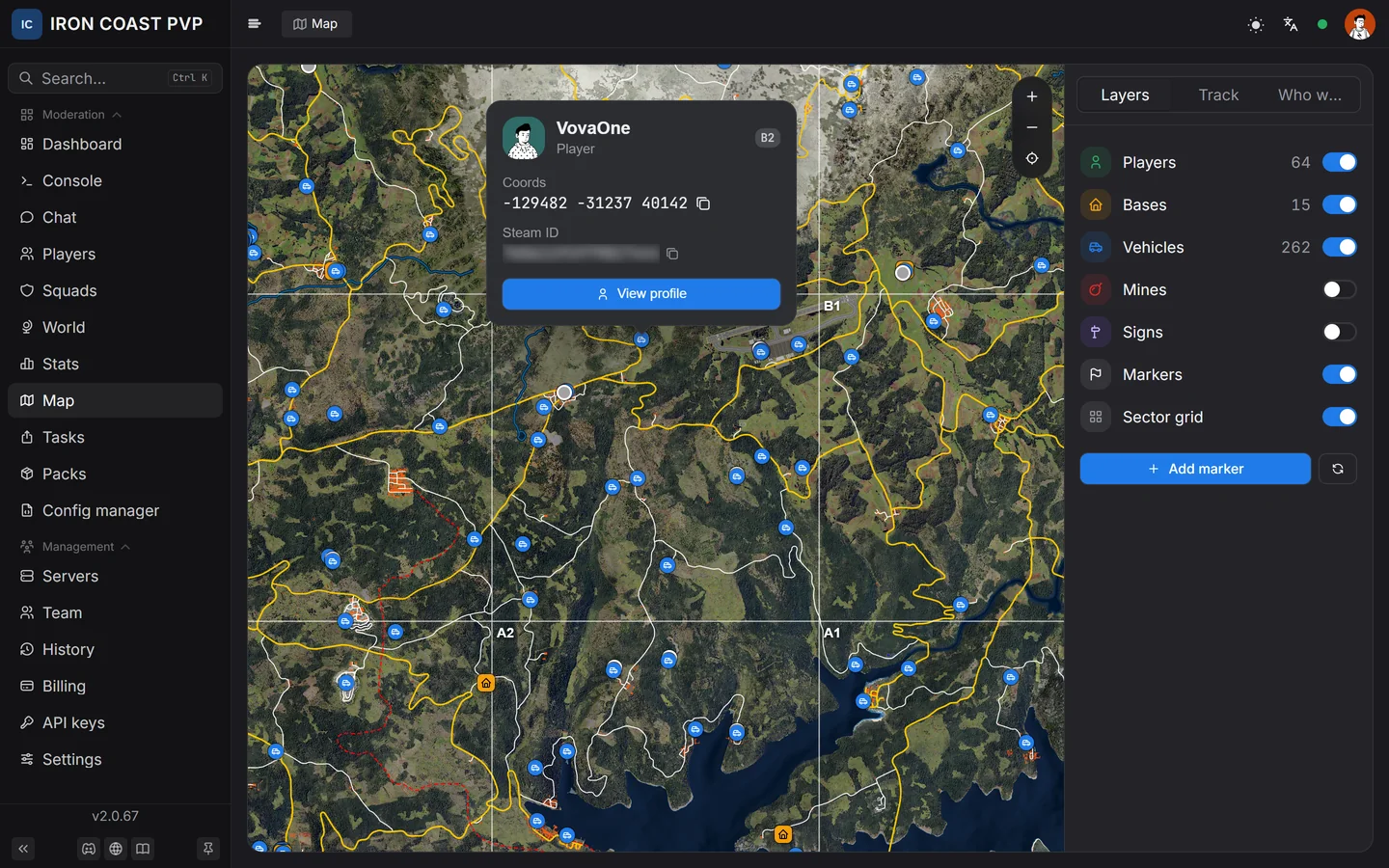
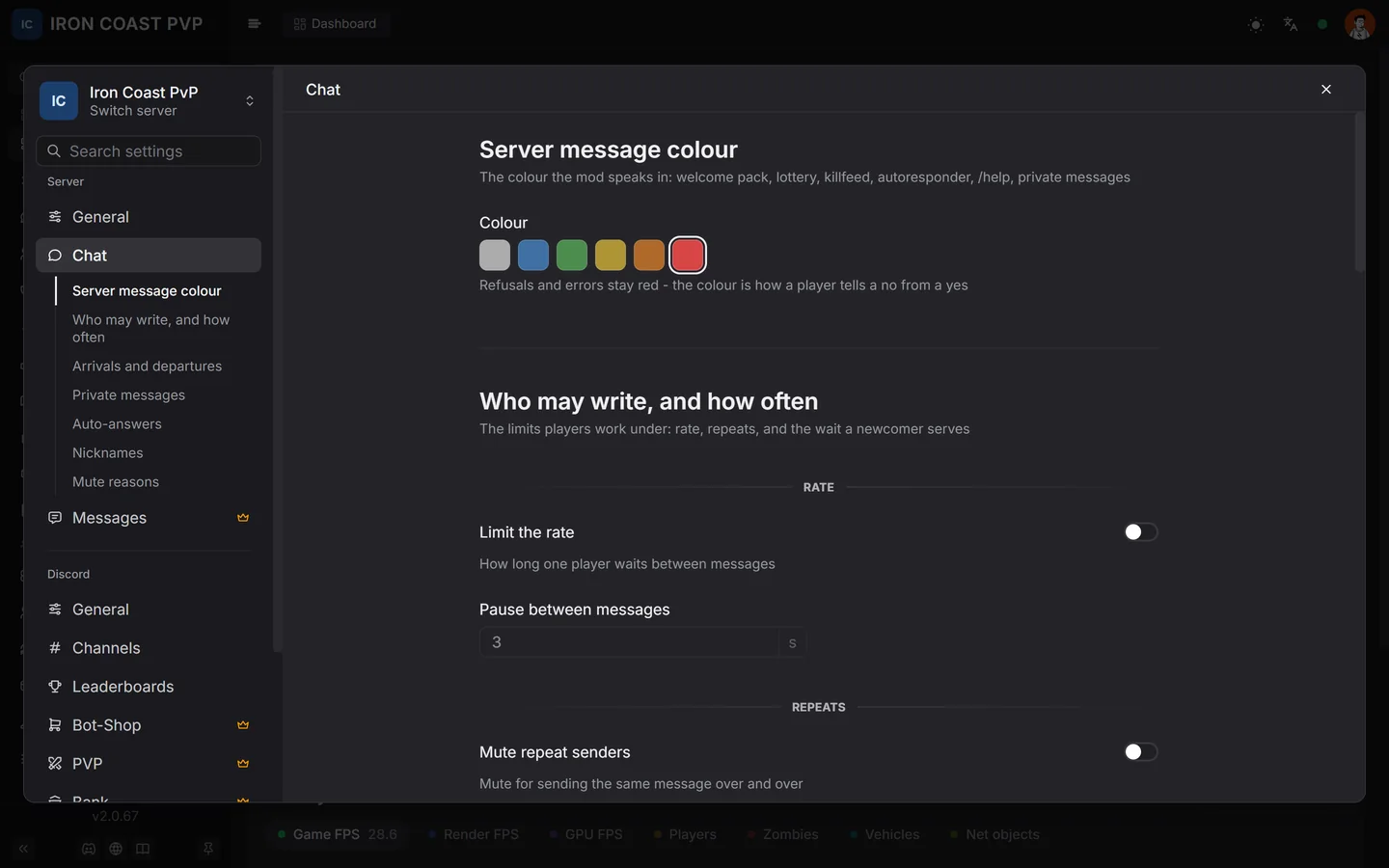
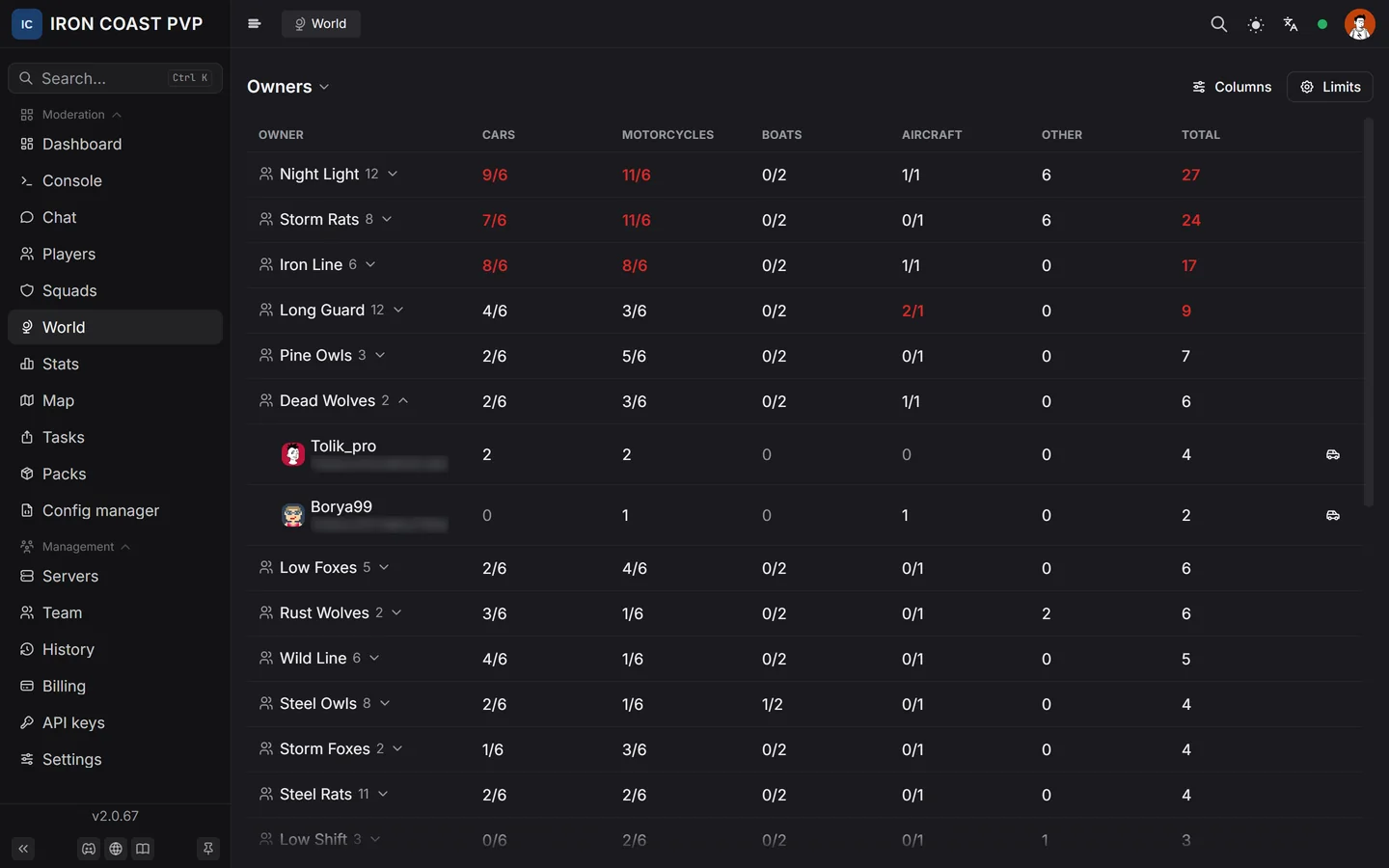
Every screenshot below is a real piece of the panel, not a mockup. Updates on its own, no F5.
TEST / PLAYERSwardencore.ru

02 / ENGINE
Not just a panel. An automation engine.
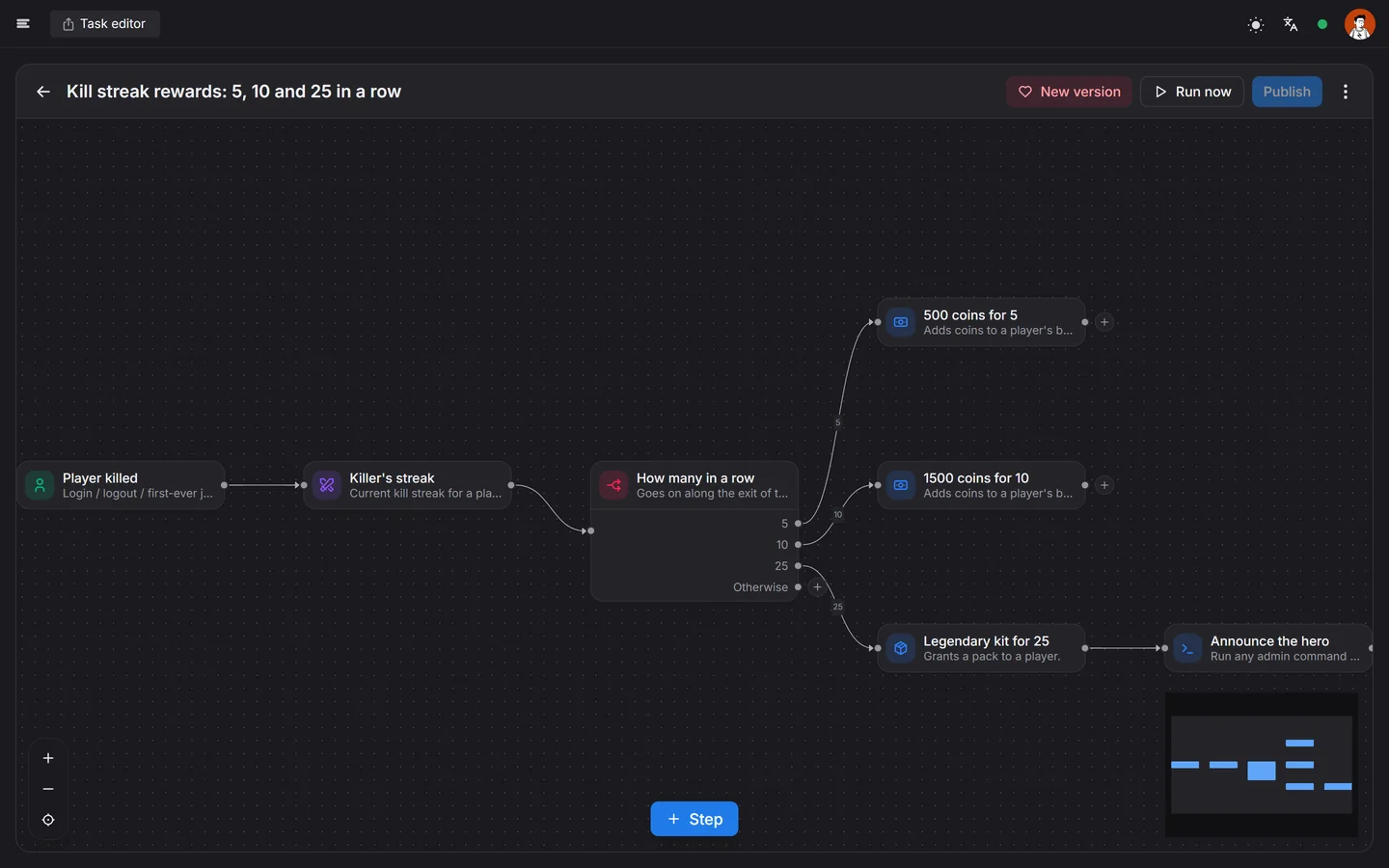
Build a rule with your mouse: "when X happens on the server, do Y". No code, no restarts. React to any event and respond with anything.
TEST / TASKS · EDITORwardencore.ru

10 kills, no deathannounce the streak and grant a reward
A newcomer first joinsgrant a starter kit and post to Discord
A cheat is detectedban, log to #security and ping admins
Every night at 04:00clear weather and a restart announcement
Dozens of triggers and actions. Branches, waits, retries and checks — all built with the mouse.
03 / INSTALL
Setup — about five minutes.
No config tweaking, no router setup, no domain of your own. The mod connects to the panel on its own — all you do is paste one key.
- 01/ step
Install the mod
Unpack the WardenCore archive into the mods folder on your SCUM server and restart the server.
~ 30 seconds - 02/ step
Pair with the panel
Sign in with Steam, add a server in the panel, copy the one-time key back into the mod.
~ 1 minute - 03/ step
Open and run it
The server shows up in the panel on its own. Open wardencore.ru from your desktop or your phone — and admin away.
from here — just like you always did
04 / ANSWERS